I think I figured out what this Vibe Coding stuff is. It’s when you are too lazy to Google SubStack and let AI do it for you.😀
Day: August 20, 2025
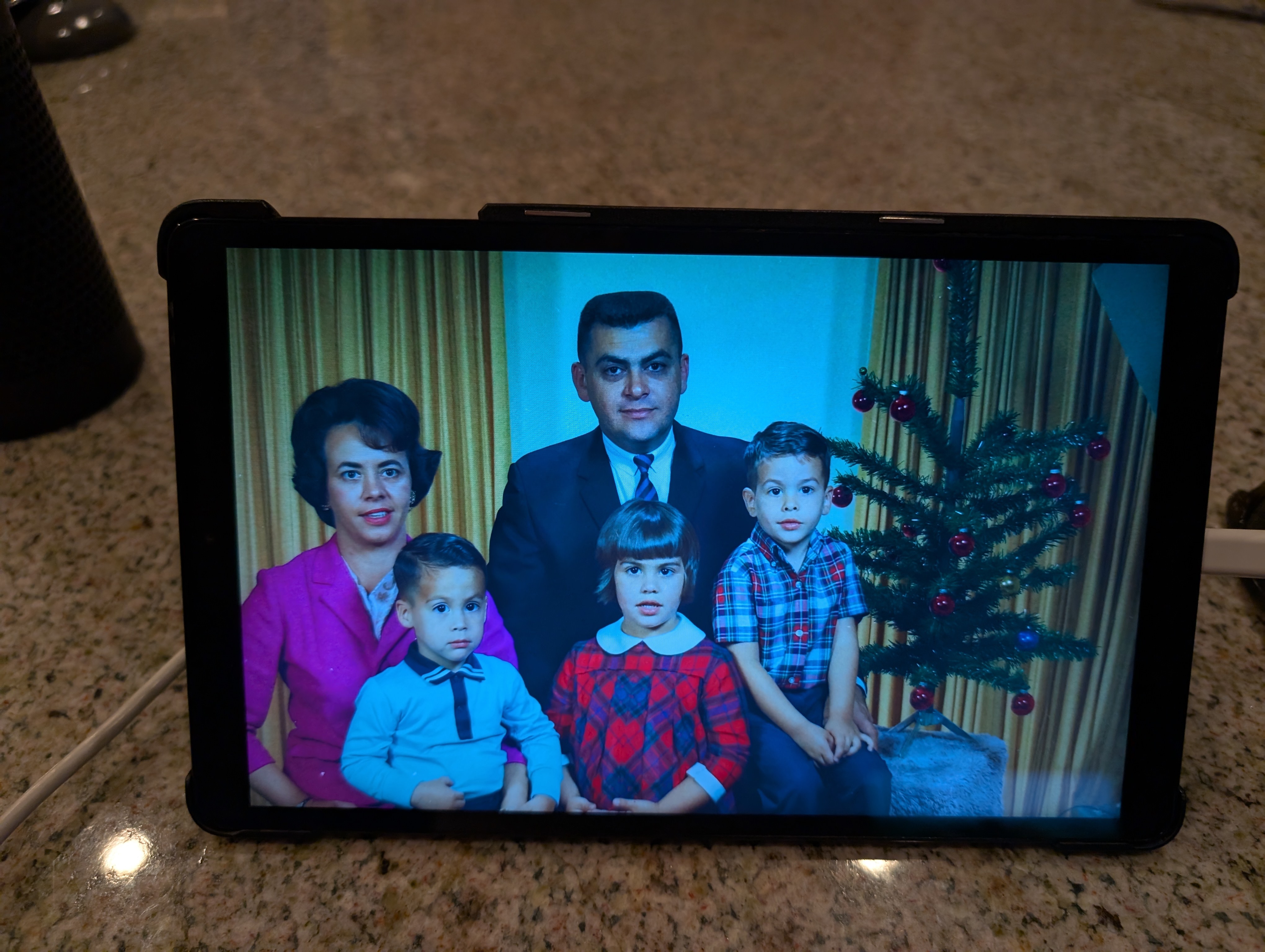
Digital Photo Frame from Old Android Tablet
I retired my old Android tablet and was going to give it away. Decided it might make a nice Digital Photo Frame for Mom. I have almost 10,000 family photos I scanned in (Dad was a professional photographer) so there would be plenty of content.
I search around and found discussion of apps, using Google Photos, but I wanted to keep it simple, without using WiFi if possible. Turns out the solution was pretty simple. I won’t give exact cookbook instructions, but it’s pretty easy to figure out.
- Do a factory reset, mostly for security purposes. Restart and keep everything turned off (WiFi, Google login, etc.)
- Copy photos to the device. My 10,000 or so photos only took about 20 GB. I used an old 32 GB SD flash card I had. Took a while to get the formatting right. Used FAT32 finally.
- Point the screen saver to the directory with all the photos. That’s it.
- Additionally, since this is for my 92 year old Mom, I got rid of pretty much all desktop icons, turned off everything I could (Bluetooth, updates, alerts, etc)
The default is that the screen saver only works when the pad is plugged in. Great.
 Steven A. Guccione