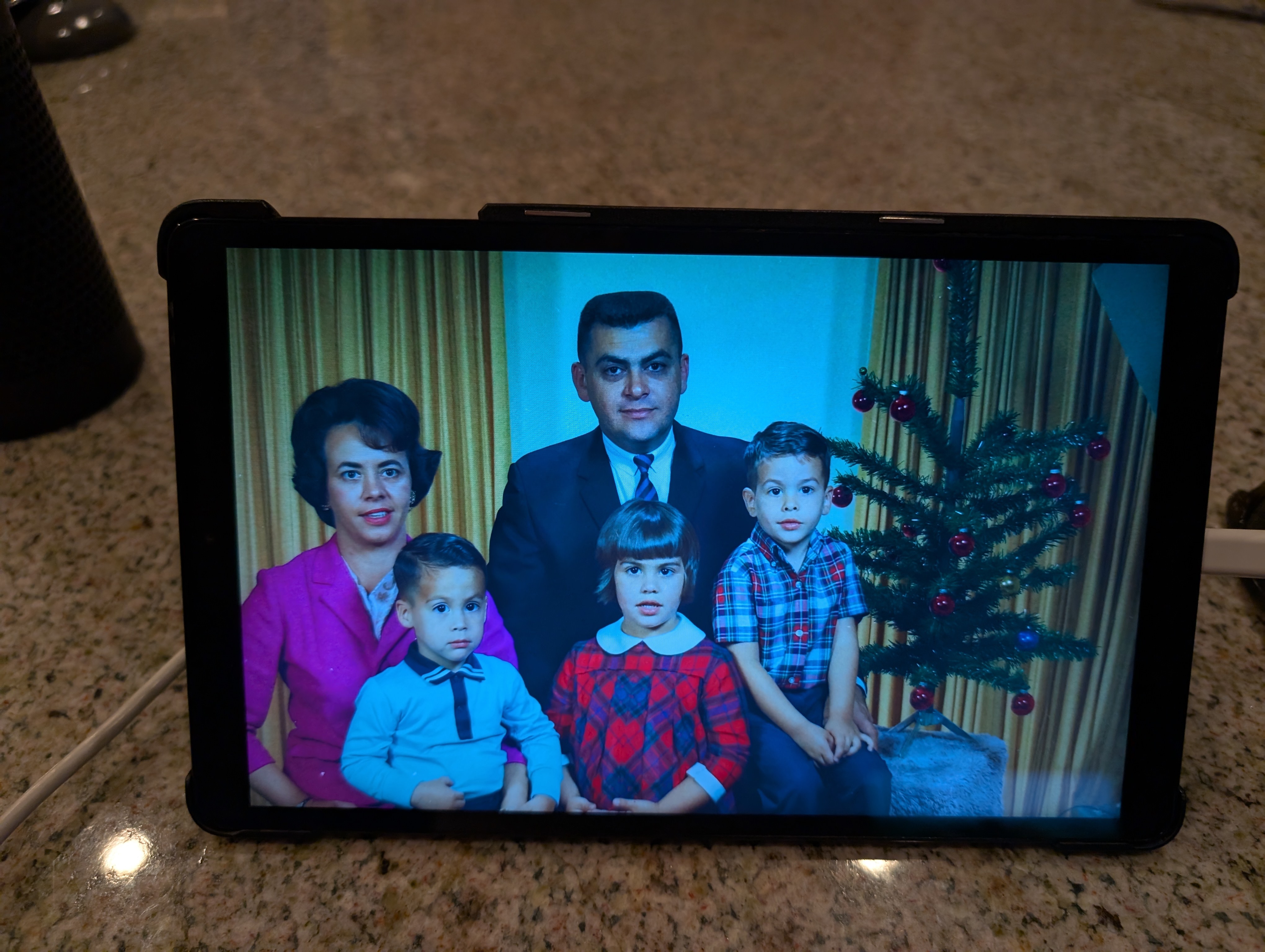
I retired my old Android tablet and was going to give it away. Decided it might make a nice Digital Photo Frame for Mom. I have almost 10,000 family photos I scanned in (Dad was a professional photographer) so there would be plenty of content.
I search around and found discussion of apps, using Google Photos, but I wanted to keep it simple, without using WiFi if possible. Turns out the solution was pretty simple. I won’t give exact cookbook instructions, but it’s pretty easy to figure out.
- Do a factory reset, mostly for security purposes. Restart and keep everything turned off (WiFi, Google login, etc.)
- Copy photos to the device. My 10,000 or so photos only took about 20 GB. I used an old 32 GB SD flash card I had. Took a while to get the formatting right. Used FAT32 finally.
- Point the screen saver to the directory with all the photos. That’s it.
- Additionally, since this is for my 92 year old Mom, I got rid of pretty much all desktop icons, turned off everything I could (Bluetooth, updates, alerts, etc)
The default is that the screen saver only works when the pad is plugged in. Great.
 Steven A. Guccione
Did your Dad teach you anything about photography? D.N.
LikeLike
Learned lots about darkroom work. As a teen I developed and printed hundreds of rolls of film, mostly black and white Tri-X printed on RC paper. Learned a few things about composition from a teacher at my high school named Bill Arthurs. I later found out my Dad was the one who taught him. So I guess I picked up the other end of photography from my Dad, but second-hand.
LikeLike